
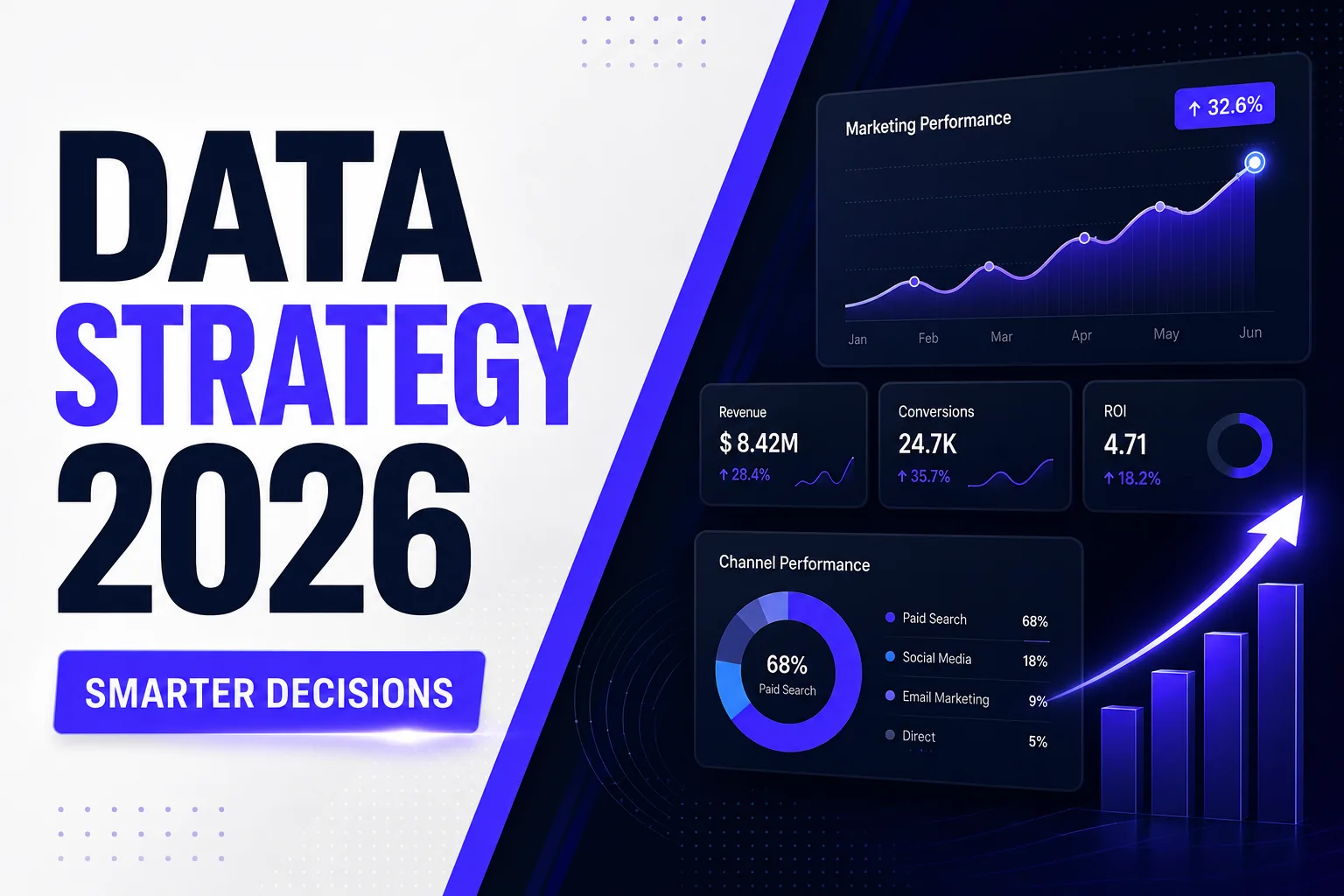
Most marketing decisions are made on instinct — a feeling that this campaign will work, a hunch that this audience is right, an assumption that last month's results will repeat. In 2026, that approach produces average results in a market that rewards precision.
A clear data strategy transforms marketing from guesswork into a repeatable system. This guide shows you exactly how to build one — from the tracking infrastructure you need to the dashboards that help you act on insights.
What Is a Marketing Data Strategy?
A marketing data strategy is a framework for collecting, organising, analysing, and acting on data to improve marketing performance. It defines what you measure, how you measure it, who is responsible for acting on insights, and how quickly decisions are made when data signals change.
Without a data strategy, businesses collect data without acting on it — analytics dashboards that nobody reads, tracking setups that miss key events, and attribution models that credit the wrong channels. A data strategy closes the gap between data collection and revenue impact.
- Data-driven organisations are 23x more likely to acquire customers than non-data-driven competitors
- Businesses with mature data strategies reduce marketing waste by 30 to 40%
- Marketers using data-driven attribution report 15 to 20% higher marketing ROI than those using last-click models
Step 1: Build Your Tracking Foundation
No strategy works without accurate data. The tracking foundation is the most critical and most commonly broken part of any marketing setup.
Google Analytics 4 Configuration
GA4 is your primary analytics platform in 2026. Standard installation tracks sessions and pageviews — that is not enough. Configure custom events for: form submissions, call clicks, WhatsApp chat initiations, scroll depth (25%, 50%, 75%, 100%), video plays, and CTA button clicks. Without these events, you cannot measure what is actually driving leads. For a step-by-step walkthrough, see our guide to the 7 GA4 reports every marketer must set up.
Connect GA4 to Google Ads, Google Search Console, and your CRM. Enable data-driven attribution in GA4 — this model distributes credit across all touchpoints on the customer journey, giving you an accurate picture of what is working, not just what closed the deal.
UTM Parameter Consistency
UTM parameters are the tags you add to URLs to track traffic sources in analytics. Without consistent UTM tagging, GA4 cannot distinguish between a lead that came from a LinkedIn ad versus an email newsletter versus an organic Instagram post — all appear as "direct" traffic.
Create a UTM naming convention and enforce it across every team. Define standard values for utm_source, utm_medium, utm_campaign, utm_content, and utm_term. Build a shared UTM builder spreadsheet. Audit UTM coverage quarterly.
Google Search Console Integration
Google Search Console reveals what search queries your website appears for, your average position, impressions, and click-through rate. This data is essential for identifying ranking opportunities your paid campaigns can complement, and for understanding what organic content is already driving traffic.
Step 2: Define Your Key Marketing Metrics
Measure what matters. Most marketing teams track too many metrics — and act on none of them. Define 5 to 7 primary KPIs that connect marketing activity directly to business revenue.
| Metric | What It Measures | Why It Matters |
|---|---|---|
| Cost Per Lead (CPL) | Total spend ÷ leads generated | Core efficiency metric for all acquisition channels |
| Lead-to-Customer Rate | Leads ÷ new customers | Reveals sales funnel quality and lead qualification accuracy |
| Customer Acquisition Cost | Total spend ÷ new customers | True cost of growth; must be lower than LTV |
| Return on Ad Spend (ROAS) | Revenue from ads ÷ ad spend | Direct measure of paid media efficiency |
| Customer Lifetime Value (LTV) | Average revenue per customer × tenure | Defines how much CAC is sustainable |
| Organic Traffic Growth (MoM) | Monthly organic session change | Measures SEO and content marketing compound return |
Step 3: Build Your Marketing Dashboard
A marketing dashboard consolidates your key metrics into a single view that is reviewed weekly and acted on monthly. Build yours in Looker Studio (free) connecting GA4, Google Ads, Search Console, and your CRM.
Your dashboard should answer these 5 questions at a glance: How many leads did we generate this week? What was our CPL by channel? Which campaigns are above and below target ROAS? What are our top organic keywords driving leads? What is our current pipeline value from marketing-attributed leads?
Review your dashboard every Monday morning. Set threshold alerts in GA4 for anomalies — a sudden 50% drop in form submissions or a spike in bounce rate signals a problem that requires immediate investigation.
Step 4: Use Data to Allocate Budget, Not Instinct
The most powerful application of a data strategy is budget allocation. Every month, review CPL and ROAS by channel. Move budget from underperforming channels to overperforming ones — even if the underperforming channel "feels" important.
If your Google Ads campaigns are delivering CPL of ₹800 and your LinkedIn campaigns are delivering CPL of ₹3,000 — and your Google leads convert to clients at the same rate — the data says move budget to Google. Not permanently, but until LinkedIn is optimised to compete. Data-driven allocation consistently outperforms fixed-budget approaches by 20 to 35%.
Step 5: Build Customer Segments from Your Data
Your existing customer data is your most valuable marketing asset. Analyse it to identify: your highest-LTV customer profile (industry, company size, acquisition channel, deal size), your fastest-converting lead profile (how long from first touch to close, which content they engaged before converting), and your at-risk customer signals (reduced engagement, fewer logins, smaller order sizes).
Use these profiles to build lookalike audiences in Google Ads and Meta Ads. Target your highest-LTV customer profile with your acquisition campaigns. Trigger retention campaigns for at-risk customers before they churn. Data-derived segments consistently outperform interest-based targeting by 2 to 4x in conversion rate.
McKinsey research shows that data-driven organisations are 23x more likely to acquire customers, 6x more likely to retain customers, and 19x more likely to be profitable as a result. A marketing data strategy is not a technical investment — it is a growth investment.
Frequently Asked Questions
What tools do I need for a marketing data strategy?
The core stack: Google Analytics 4 (web analytics), Google Search Console (SEO data), Google Ads (paid search data), a CRM like HubSpot or Zoho (lead and customer data), and Looker Studio (dashboard). This stack is free or near-free and covers 90% of marketing data needs for growing businesses.
How do I start building a data strategy if I have no tracking set up?
Start with GA4 — install it, configure your key conversion events (form submissions, call clicks), and link to Google Ads and Search Console. This gives you the foundation within one week. Build your dashboard in Looker Studio. Add UTM tracking to all campaigns. You will have a functioning data strategy within 30 days.
What is first-party data and why does it matter?
First-party data is information you collect directly from your customers and website visitors — email addresses, form responses, purchase history, CRM data. With third-party cookies deprecated in 2026, first-party data is the primary targeting asset for personalised advertising. Businesses that own rich first-party data have a lasting competitive advantage in paid media.
How often should I review my marketing data?
Daily for paid media performance (ad spend, CPL, ROAS). Weekly for channel-level trends and anomaly detection. Monthly for strategic reallocation — budget moves, campaign pausing, and new initiative decisions. Quarterly for LTV analysis, cohort comparisons, and full strategy review.
What is marketing attribution and which model should I use?
Attribution assigns credit to the marketing touchpoints that contributed to a conversion. In GA4, use Data-Driven Attribution — it uses machine learning to accurately distribute credit across all touchpoints. Avoid Last Click attribution; it systematically undercredits top-of-funnel channels and leads to poor budget allocation.
Explore More from DigiVeritaz
- Data Strategy and Consulting Services — Analytics infrastructure, dashboard build, and insight-to-action frameworks
- Performance Marketing Agency — Data-driven paid media optimised by weekly attribution analysis
- SEO Services India — Organic growth tracked through GSC, GA4, and rank monitoring
- Google Ads Management — Campaigns optimised using conversion data and audience insights
Conclusion
A marketing data strategy is the difference between a team that spends budget and a team that invests it. Build your tracking foundation first. Define 5 to 7 KPIs that connect to revenue. Build a weekly dashboard. Let data drive budget allocation. Build customer segments from your best clients. Every one of these steps is implementable within 30 days — and the compounding returns over 12 months are transformational.
DigiVeritaz offers Data Strategy and Consulting services for businesses ready to move from instinct-driven to evidence-driven marketing. Book a free data strategy consultation today.