
You've followed every Meta Ads tutorial. Your targeting looks solid. Your budget isn't the problem. Yet your ROAS sits stubbornly below 2x while competitors in the same niche claim 5x–10x returns. What's going wrong?
After auditing 200+ Meta ad accounts across Indian D2C, education, real estate, and service businesses, we've identified 9 hidden reasons that silently destroy ROAS. These aren't the obvious mistakes covered in beginner guides. These are the subtle, structural issues that even experienced marketers running Facebook and Instagram advertising tend to miss.
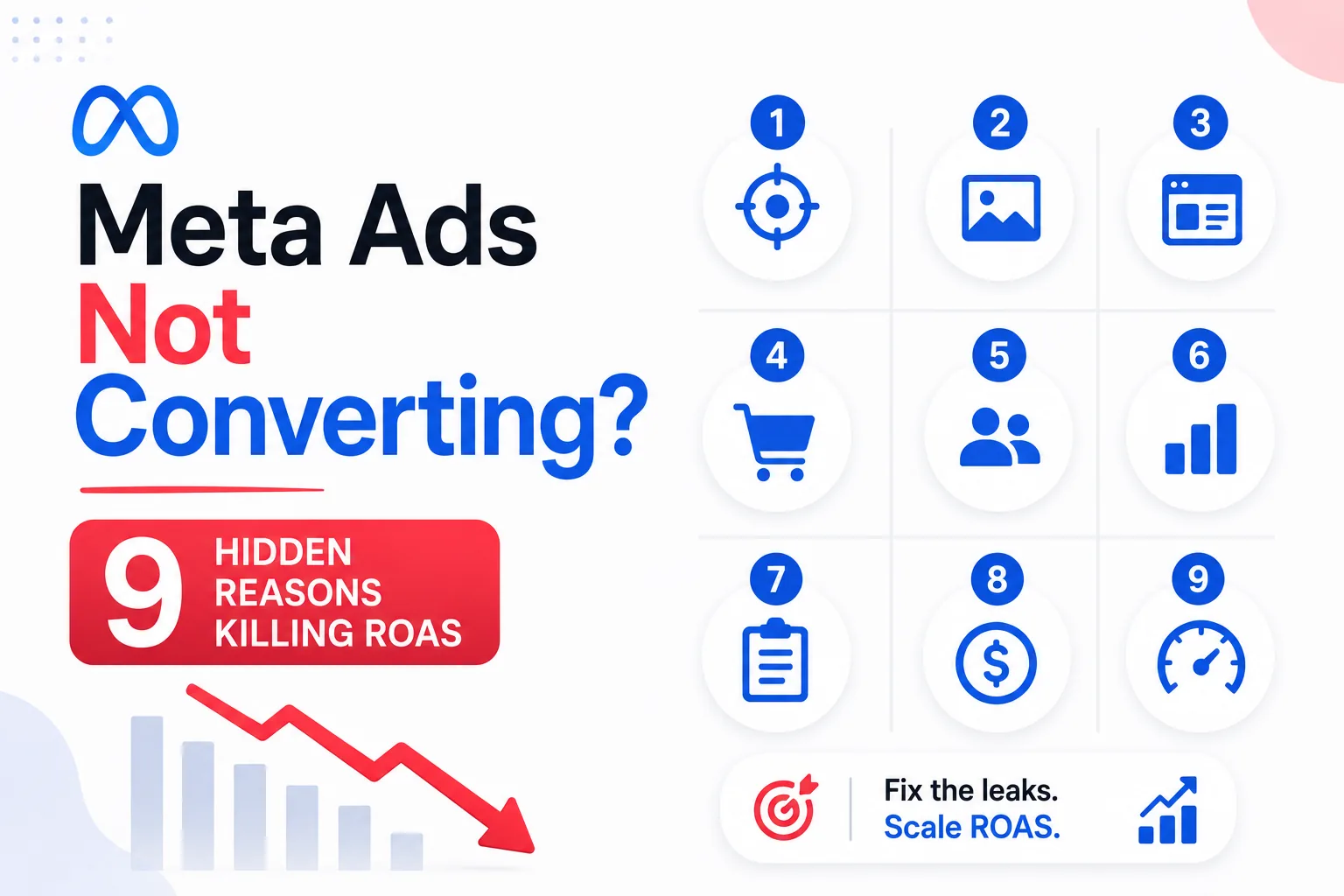
Here are the 9 reasons your Meta ads not converting — and the exact fix for each one.
🔍 Want us to audit your Meta ad account for free? DigiVeritaz has managed ₹10Cr+ in ad spend. Book a free audit → digiveritaz.com/contact-us
1. Your Pixel Is Leaking 30–40% of Conversion Data
If you're still relying solely on the Meta Pixel (browser-side tracking), you're making optimization decisions on incomplete data. iOS privacy changes, ad blockers, and cookie restrictions mean your pixel misses 30–40% of actual conversions.
The fix: Implement Meta Conversions API (CAPI) alongside your pixel. If you're on Shopify, enable CAPI Gateway. Run both simultaneously — Meta automatically deduplicates events. This single change typically improves reported ROAS by 20–35% because Meta's algorithm finally has complete conversion signal.
💡 Pro Tip: Check Events Manager > Overview > Event Match Quality. If your score is below 6.0, your CAPI implementation needs immediate attention. Target 8.0+ for optimal algorithm performance.
2. Creative Fatigue Is Eating Your CPMs Alive
When your ad frequency exceeds 3.5, performance degrades rapidly. Most brands don't realize their creatives are fatigued until CPMs spike and CTR crashes — by then, they've wasted days of budget.
The fix: Implement the 3-2-2 creative testing framework (3 hooks × 2 angles × 2 formats = 12 variants per week). Set automated rules to pause any ad with frequency above 3.5 and replace it with a fresh variant. This systematic approach means you never run out of creative and never let fatigue destroy your metrics.
💡 Pro Tip: Set up an automated rule in Ads Manager: "If frequency > 3.5 AND CTR < 1%, pause ad." This catches fatigue before it impacts your overall campaign metrics.
3. You're Using the Wrong Campaign Objective
Traffic campaigns optimize for clicks. Conversion campaigns optimize for purchases. If you're running Traffic or Engagement objectives hoping for sales, Meta's algorithm is finding people who click — not people who buy. These are fundamentally different audiences.
The fix: Use Conversion campaigns with Purchase as your optimization event. If you don't have enough purchase data (fewer than 50 per week), optimize for Add to Cart first, then switch to Purchase once you reach the 50-event threshold.
💡 Pro Tip: Never run a Traffic campaign for e-commerce. The "cheap clicks" are from people who click everything but buy nothing. You're literally training Meta's algorithm to find non-buyers.
4. Your Landing Page Kills the Conversion
The best ad in the world can't fix a slow, confusing, or trust-deficient landing page. If your page loads in more than 3 seconds on mobile, you're losing 53% of visitors before they even see your offer.
The fix: Build dedicated landing pages for each campaign — not generic product pages. Include social proof above the fold (reviews, ratings, testimonials). Add a sticky CTA button. Remove navigation menus that leak visitors away. Test page speed on real 4G connections, not your office Wi-Fi.
💡 Pro Tip: Install a Hotjar or Microsoft Clarity heatmap on your landing pages. Watch actual user recordings. You'll find the exact friction point where visitors drop off — it's usually not where you think.
5. Your Audience Structure Is Working Against the Algorithm
In 2026, over-segmenting audiences on Meta is counterproductive. The algorithm's machine learning now beats manual audience selection for most D2C brands, which is why how you structure your paid social media advertising matters more than ever. When you create 15 narrow audience segments, you're restricting the algorithm's ability to find optimal buyers.
The fix: Consolidate to 3–5 broad audience groups: (1) Broad/Advantage+ for prospecting, (2) Stacked lookalikes (1%+3%+5%), (3) Retargeting by recency (1-day, 3-day, 7-day, 14-day). Let the algorithm do the micro-targeting within these broad containers.
💡 Pro Tip: Test Advantage+ Shopping campaigns with minimal audience restrictions. In our tests across 30+ D2C accounts, Advantage+ outperforms manual targeting on ROAS 65% of the time.
6. You're Ignoring the Learning Phase
Every time you edit an ad set significantly (budget change >20%, audience change, optimization change), Meta resets the learning phase. During learning, performance is unstable and CPAs are inflated. Brands that constantly tweak settings keep their campaigns perpetually in learning — never reaching optimized delivery.
The fix: Make all major changes at once, not incrementally. Increase budgets by no more than 20% per day. Don't edit ad sets during the first 7 days after launch. Wait for at least 50 conversion events before drawing any conclusions.
💡 Pro Tip: Create a "do not touch" rule for the first 7 days of any new campaign. Resist the urge to optimize prematurely. The algorithm needs at least 50 conversions to exit learning phase and stabilize performance.
7. Your Attribution Window Doesn't Match Your Sales Cycle
The default 7-day click, 1-day view attribution window works for impulse purchases. But if your product requires a 14–30 day consideration period (education courses, high-ticket D2C, B2B services), you're under-reporting conversions and making wrong optimization decisions.
The fix: Switch to 28-day click attribution if your sales cycle exceeds 7 days. Compare reported conversions across different attribution windows in Ads Manager. You may discover that campaigns you killed for "low ROAS" were actually driving conversions outside your measurement window.
💡 Pro Tip: Check your Ads Manager > Compare Attribution Settings. Many brands discover 20–40% more conversions when switching from 7-day to 28-day click attribution. Those "failed" campaigns might have been working all along.
8. Your Ad Copy Talks Features, Not Outcomes
Nobody buys a "500ml hyaluronic acid serum with 2% concentration." They buy "glass skin in 14 days." Feature-focused copy underperforms outcome-focused copy by 40–60% on CTR in our Meta Ads tests.
The fix: Rewrite every ad following the PAS framework: Problem (what they're struggling with) → Agitation (why it's getting worse) → Solution (your product as the answer). Lead with the transformation, not the specification.
💡 Pro Tip: Test this headline formula: "[Specific result] in [specific timeframe] — without [specific objection]." Example: "Clear skin in 14 days — without harsh chemicals." This structure consistently wins against feature-led headlines.
9. You're Not Running Enough Creative Volume
The #1 predictor of Meta Ads success in 2026 is creative volume, and it's the lever every serious performance marketing team pulls first. Brands that test 15+ new creatives per month consistently outperform those testing fewer than 5. The algorithm needs fresh fuel to find new audiences and maintain performance.
The fix: Build a creative production pipeline, not a one-time batch. Use AI tools like AdCreative.ai and Canva's AI features to generate variants at scale. Combine UGC, static designs, carousels, and Reels-format video. Aim for at least 12–15 new creative variants per month.
💡 Pro Tip: Dedicate 20% of your ad budget to testing new creatives. The remaining 80% goes to proven winners. This 80/20 split ensures you always have fresh material entering the pipeline without risking your core performance.
Frequently Asked Questions
Why are my Meta ads getting clicks but no conversions?
The most common causes are: wrong campaign objective (Traffic instead of Conversions), poor landing page experience, or incomplete tracking (missing CAPI). Fix tracking first, then verify your optimization event is set to Purchase, not Link Click.
What is a good CTR for Meta ads in 2026?
A healthy CTR for Meta conversion ads is 1.5–3% for prospecting and 3–6% for retargeting. If your CTR is below 1%, your creative or targeting needs immediate attention.
How much budget do I need for Meta ads in India?
We recommend a minimum of ₹50,000/month for meaningful results. This allows enough budget to exit the learning phase (50+ conversions per week) and generate statistically significant data for optimization.
Should I use Advantage+ or manual campaigns?
For e-commerce D2C brands, Advantage+ Shopping outperforms manual campaigns 65% of the time in 2026. For B2B, lead gen, and high-ticket products with longer sales cycles, manual campaigns with custom audiences still deliver better results.
How do I fix high CPM on Meta?
High CPMs usually indicate poor audience quality or creative fatigue. Broaden your audience (stop over-segmenting), refresh creatives, and check your ad relevance diagnostics in Ads Manager. Also verify you're not competing against yourself with overlapping audiences.