
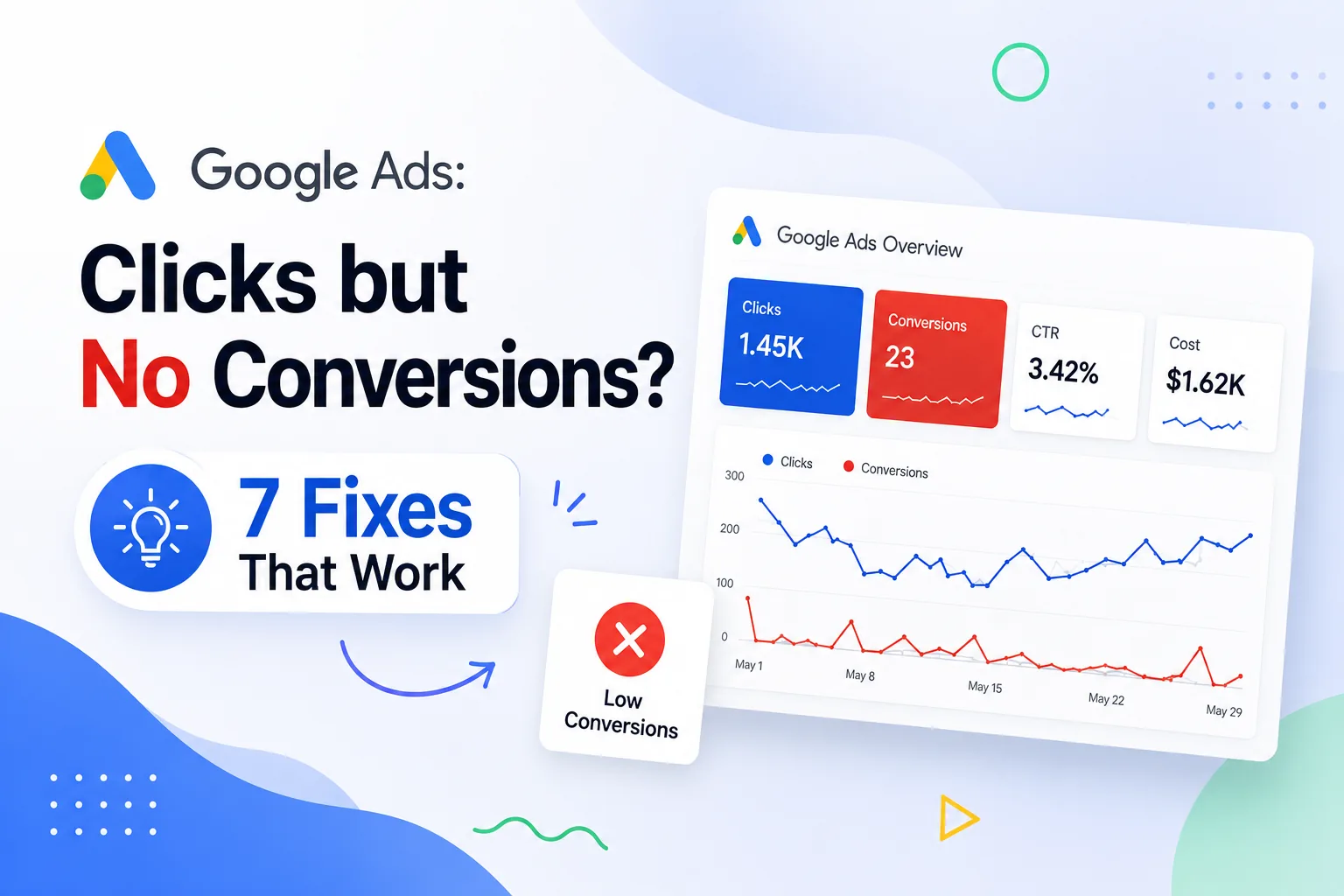
You are spending on Google Ads. Clicks are arriving. But the leads are not. If your Google Ads are not converting, the problem is almost never the budget — it is the setup. Every unqualified click drains spend without delivering ROI. Below are the 7 most common reasons campaigns produce clicks but no conversions, along with the exact fix for each one.
7 Reasons at a Glance
Full detail and step-by-step fix for each reason in the sections below.
| # | Reason | Quick Fix |
|---|---|---|
| 01 | Wrong Keywords | Switch to exact/phrase match + add negative keywords |
| 02 | Poor Ad Copy | Specific value proposition + strong call-to-action in every headline |
| 03 | Landing Page Weak | Dedicated page per ad group — message match + fast load + CTA above fold |
| 04 | Wrong Audience | Layer in-market audiences + exclude irrelevant demographics |
| 05 | No Conversion Tracking | Install GA4 + GTM — verify every conversion event before optimising |
| 06 | Poor Campaign Structure | One keyword theme per ad group — aligned ads and landing pages |
| 07 | No Regular Optimisation | Weekly Search Terms audit + monthly A/B tests |
What It Means When Google Ads Are Not Converting
Clicks vs Conversions — Why the Distinction Matters
A click means curiosity. A conversion means intent — a form submitted, a call made, a booking placed. A campaign with a 5% CTR and a 0.2% Google Ads conversion rate is not a success; it is an expensive traffic source. Optimise every decision around cost per conversion, not cost per click. Traffic without conversion data is a vanity metric that builds no pipeline.
Common Signs of Low Conversion Performance
- High CTR but near-zero form submissions or inbound calls
- Cost per conversion significantly above your target or industry benchmark
- Ad spend rising but pipeline and revenue remaining flat
- High bounce rate on landing pages receiving paid traffic
Why You Are Getting Clicks but No Conversions
The Three Root Causes
Most campaigns producing clicks but no conversions share three root causes: the ad promises something the landing page does not deliver (message mismatch), keywords are attracting low-intent searchers (traffic quality problem), or the targeting setup is placing ads in front of people who can never convert (audience problem). The 7 reasons below map directly to these three root causes.
Reason 1: Targeting the Wrong Keywords
Broad Match Bleeding Ad Spend
Broad match keywords cause your ads to appear for loosely related searches with zero buying intent. "Digital marketing" on broad match triggers for "digital marketing jobs" and "digital marketing courses" — clicks you pay for that will never convert because the searcher was never looking to hire. Check your Search Terms report — if you see irrelevant queries, keyword targeting is your first fix.
FIX — Keyword Fix
- Switch high-spend keywords from broad match to phrase or exact match immediately
- Open the Search Terms report weekly — add every irrelevant query as a negative keyword
- Limit ad groups to 5 to 10 tightly themed keywords — one topic, one landing page
Reason 2: Poor Ad Copy That Does Not Convert
Weak Headlines and No Value Proposition
Generic ad copy like "Digital Marketing Services — Contact Us Today" fails to differentiate and fails to convert. Every headline must address the searcher's specific problem, include a keyword, and state a clear benefit. If your ad does not answer "why you, why now," visitors click but feel no urgency to act once they land.
FIX — Ad Copy Fix
- Headline 1: lead with the outcome — "Get 50+ Qualified Leads Per Month"
- Headline 2: state your differentiator — "No Long-Term Contracts | Results in 30 Days"
- Description: include a specific call-to-action — "Book Your Free Strategy Call Today"
- Run Responsive Search Ads with 8+ headline variations — let Google identify top performers
Reason 3: Landing Page Is Not Optimized for Conversions
Speed, Design, and CTA Problems
A 1-second page load delay reduces conversions by 7%. Navigation menus that invite visitors to wander, cluttered layouts, and a vague call-to-action compound the damage. Your landing page needs one goal, one CTA, and a headline that matches the ad that drove the click — nothing more.
FIX — Landing Page Fix
- Target PageSpeed score above 85 on mobile — compress images and enable browser caching
- Remove navigation menus — eliminate every distraction from the conversion action
- Match the landing page headline to the ad headline exactly (message match)
- Add a specific CTA above the fold: "Book My Free Audit" not "Contact Us"
KEY STAT — Businesses with 10+ dedicated landing pages generate 55% more leads than those with fewer than 5. One landing page per ad group is the single highest-ROI structural fix for Google Ads conversion rate.
Reason 4: Targeting the Wrong Audience
Demographics and Segmentation Gaps
Wrong age groups, wrong geographies, or no audience segmentation puts ads in front of people who can never convert. Cold visitors, retargeting audiences, and existing customers all convert differently and need different messaging and bids. Treating them the same wastes budget on all three segments.
FIX — Audience Fix
- Layer in-market audiences onto keyword campaigns — target users actively researching your category
- Create separate retargeting campaigns for past visitors with objection-handling offers
- Exclude past converters from acquisition campaigns — they are already customers
Reason 5: No Conversion Tracking Setup
Optimising Without Data
Without conversion tracking, Google's Smart Bidding is guessing — and so are you. The most common mistakes are counting page views as conversions, duplicate tag firing, and missing call tracking. Fix tracking before touching anything else. Every other optimisation depends on accurate conversion data.
FIX — Tracking Fix
- Install Google Tag Manager — manage all tags without developer dependency
- Create separate conversion actions for forms, calls, and bookings in Google Ads
- Link GA4 to Google Ads and import GA4 conversion events
- Verify every tag with Google Tag Assistant before campaign launch
Reason 6: Poor Campaign Structure
Mixed Keywords and No Segmentation
Mixing branded, generic, and competitor keywords in one campaign with one landing page destroys Quality Score — raising your cost per click while lowering ad position. Poor campaign structure is a compounding problem: every week it runs, it gets more expensive and less effective.
FIX — Structure Fix
- Separate branded keywords into their own campaign with a dedicated budget
- One ad group per keyword theme — maximum 10 keywords, one matching landing page
- Use campaign-level negative keyword lists to stop keywords bleeding across campaigns
Reason 7: Not Optimizing Campaigns Regularly
Set-and-Forget Campaigns Degrade
Auction dynamics shift, competitor bids change, and seasonal trends evolve. Campaigns left without weekly management see cost per conversion rise steadily. Without A/B testing, you will never discover the headline or offer that could cut your cost per lead by 30%.
FIX — Ongoing Optimisation
- Weekly: Search Terms audit, negative keyword additions, bid adjustments, Quality Score review
- Monthly: A/B test one element per ad group — headline, description, or CTA
- Quarterly: campaign structure review and landing page refresh
Tools to Improve Google Ads Performance
| Tool | Category | Best Used For |
|---|---|---|
| Google Ads Dashboard | Campaign Mgmt | Search Terms report, bid adjustments, Quality Score |
| Google Analytics 4 | Analytics | Conversion paths, attribution, audience behaviour |
| Google Tag Manager | Tracking | Install all conversion tags without developer help |
| Hotjar / Clarity | Heatmaps | Session recordings to find landing page drop-offs |
| Semrush / Ahrefs | Keyword Research | Search intent analysis and negative keyword mining |
How Long It Takes to Improve Google Ads Conversions
Week 1–2: Structural Fixes
Negative keywords, conversion tracking setup, and landing page alignment show results within 7 to 14 days — no algorithm changes required.
Week 2–4: Learning Period
Smart Bidding strategies need 2 to 4 weeks to calibrate. Avoid major changes during this window.
Month 2 Onwards: Compounding Gains
A/B testing, audience refinement, and negative keyword expansion compound over 3 to 6 months. Most businesses reach peak Google Ads conversion rate performance between months 3 and 6 of consistent management.
DIGIVERITAZ — DigiVeritaz manages Google Ads for startups, local businesses, and growing brands across India — with measurable improvements in conversion rate and cost per lead within 60 days. Book your free Google Ads audit at digiveritaz.com.
Frequently Asked Questions
Q: Why are my Google Ads not converting?
A: The most common causes are broad match keywords attracting irrelevant traffic, a mismatch between the ad and landing page, broken conversion tracking, and poor campaign structure. Start with a Search Terms audit and verify your conversion tracking before anything else.
Q: How can I improve Google Ads conversion rate?
A: Add negative keywords from your Search Terms report, create dedicated landing pages per ad group with message-matched headlines, fix conversion tracking, and run retargeting campaigns for past website visitors.
Q: What is a good conversion rate for Google Ads?
A: The industry average is 3.75% for search campaigns. Well-optimised lead generation campaigns achieve 5 to 10%. Local service businesses with strong offers and dedicated landing pages often exceed 10%.
Q: How long does it take for Google Ads to work?
A: Structural fixes show results in 1 to 2 weeks. Smart Bidding needs a 2 to 4 week learning period. Peak performance with A/B testing and audience refinement typically arrives between months 3 and 6.
Explore More from DigiVeritaz
- Google Ads Services — Expert PPC management with transparent ROI reporting
- Landing Page Optimization — Conversion-focused design that turns paid traffic into qualified leads
- Lead Generation Services India — Full-funnel campaigns built around cost per qualified lead
- SEO Services in India — Organic search strategies that compound alongside your paid campaigns
- Digital Marketing Agency in India — End-to-end performance marketing for startups and growing brands
Conclusion
Getting clicks but no conversions is fixable — and the solution is almost never more budget. It is smarter keyword targeting, clearer ad copy, dedicated landing pages, and accurate conversion tracking. Implement the 7 fixes in this guide and within 60 to 90 days, your Google Ads conversion rate will improve and your cost per lead will fall.
Ready for expert help? DigiVeritaz offers a free audit that pinpoints your top Google Ads conversion rate killers. Book at digiveritaz.com.
Published by DigiVeritaz | Performance-Driven Digital Marketing Agency | digiveritaz.com