
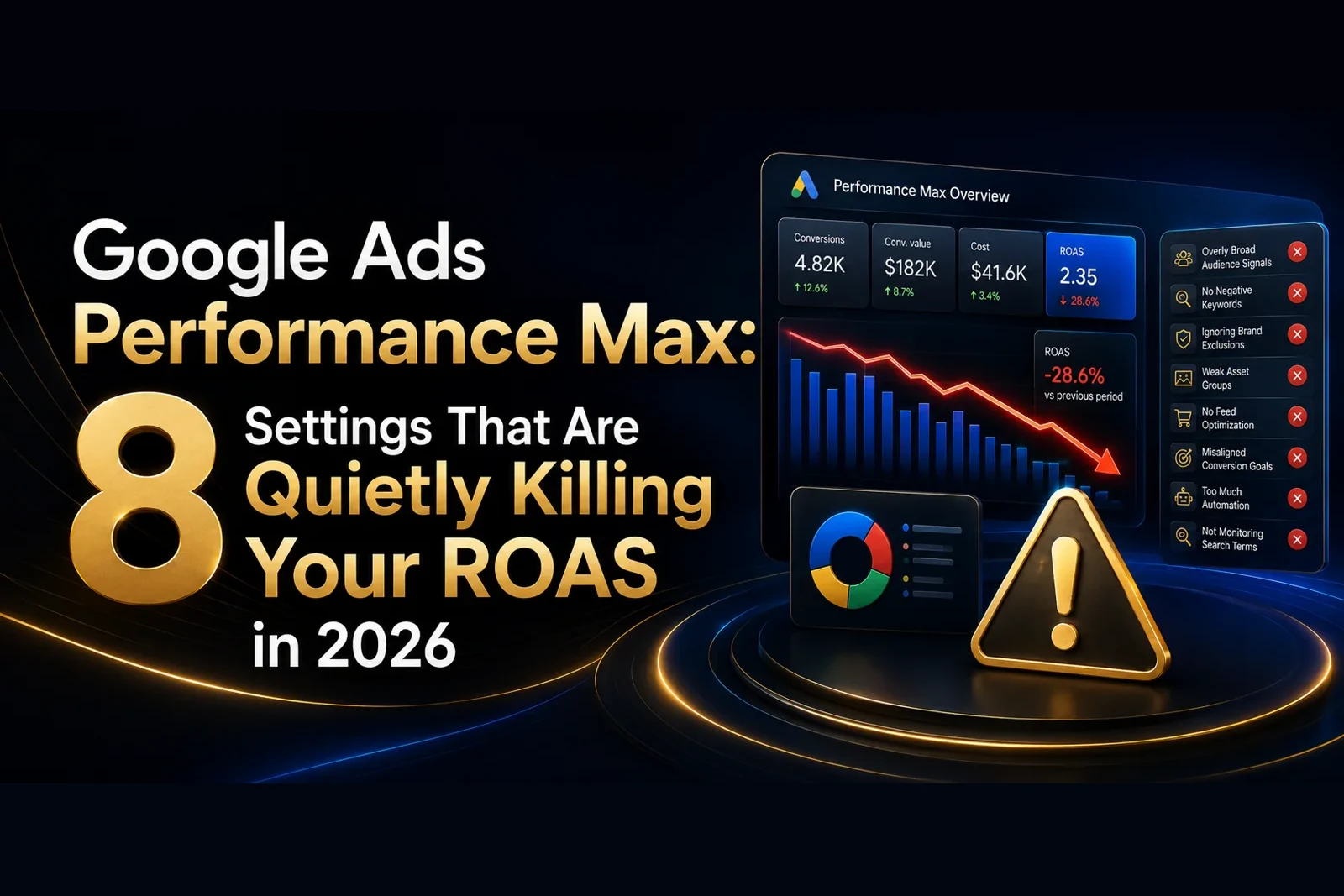
Performance Max promises the world: one campaign, every Google inventory surface, all powered by AI. But hand it the keys with the wrong settings and it will happily spend your budget on the cheapest, lowest-intent clicks it can find. If your return on ad spend has slipped in 2026, the culprit is almost always configuration, not the algorithm itself. The good news is that every one of these leaks is fixable in an afternoon. Here are the eight PPC management settings that quietly erode ROAS, why they hurt, and exactly how to fix each one.
1. Leaving Final URL Expansion switched on
By default, Performance Max can send traffic to any page on your site it judges relevant, not just the pages you chose. For most Indian advertisers this means budget quietly bleeding to blog posts, category pages, and thin content that was never built to convert. The campaign looks busy, but the sales do not follow. Turn Final URL Expansion off, or restrict it tightly with URL rules, so every rupee points at pages designed to sell. This single change often recovers a visible chunk of ROAS within days.
2. Feeding the campaign no audience signals
Audience signals are not hard targeting, but they are the fastest way to teach the AI who your buyers actually are. Skip them and you force the system to learn from a cold start, burning spend during a long and expensive exploration phase before it finds your customers. Add your existing customer lists, high-value website visitors, and relevant in-market segments as signals from day one. In a market as varied as India, a strong signal set is the difference between the algorithm finding buyers in week one versus week four.
3. Letting brand traffic inflate your numbers
Performance Max loves to claim credit for people who are already searching your brand name. On the dashboard it looks like a stellar ROAS, but in reality you are paying to capture demand you already own and would have won for free. This flatters the campaign while hiding weak new-customer performance. Apply brand exclusions so Performance Max is measured on the genuinely new demand it creates, not on customers who typed your name into Google anyway.
4. Running with no account-level negative keywords
Without negatives, Performance Max chases irrelevant, informational, and free-intent queries that will never convert. Think of all the searches containing words like free, jobs, or cheap that pull clicks but no revenue. A tight account-level negative keyword list, reviewed and expanded every month, stops spend leaking to these dead-end searches. For price-sensitive Indian audiences this discipline matters even more, because low-intent traffic is abundant and cheap for the algorithm to buy.
5. Building thin, low-quality asset groups
One asset group with three images and a single headline gives the AI almost nothing to work with, so it defaults to the safest, lowest-performing combinations. Build rich asset groups instead: multiple distinct headlines, several descriptions, high-quality images in every ratio, and at least one video, even a simple one. Better inputs are the single biggest lever on output. This is exactly the creative discipline we bring to performance marketing accounts, and it consistently separates profitable Performance Max campaigns from wasteful ones.
6. Ignoring conversion value rules
If every conversion is worth the same to the algorithm, it will optimise for raw volume rather than profit, filling your reports with cheap, low-value actions. Use value-based bidding and conversion value rules so a high-margin sale or a genuinely qualified lead is weighted above a newsletter signup or a low-value action. Feeding real value data back to Google changes what it hunts for, steering spend toward the customers who actually move your bottom line.
7. Skipping search themes
Search themes let you nudge Performance Max toward the specific queries that matter most to your business, guiding the AI without fully constraining it. Left empty, the campaign simply guesses which searches suit you, and its guesses are often expensive. Populate search themes with your core commercial terms so the system prioritises the language your best customers actually use. It is a small, underused setting that meaningfully improves relevance and efficiency.
8. Never reading the insights or excluding placements
Performance Max deliberately hides granular detail, but the insights, placement, and search-term reports still reveal where money goes if you look. Many advertisers never open them. Review these reports regularly, then exclude junk placements, low-quality mobile-app inventory, and irrelevant content where your ads waste impressions. This is especially important on the Display and video side that overlaps with Shopping Ads, where a surprising share of undisciplined budgets quietly disappears.
The DigiVeritaz takeaway
Performance Max rewards advertisers who configure it deliberately and punishes those who trust the defaults. Work through these eight settings and most accounts see ROAS climb within a fortnight, without adding a single rupee to the budget. The pattern is always the same: give the AI clean inputs, clear exclusions, and honest value data, then let it do what it does best. DigiVeritaz has delivered 115K+ qualified leads for 60+ clients across 7 industries with measurable, ROI-driven campaigns, and a Performance Max audit is almost always where that efficiency begins.