
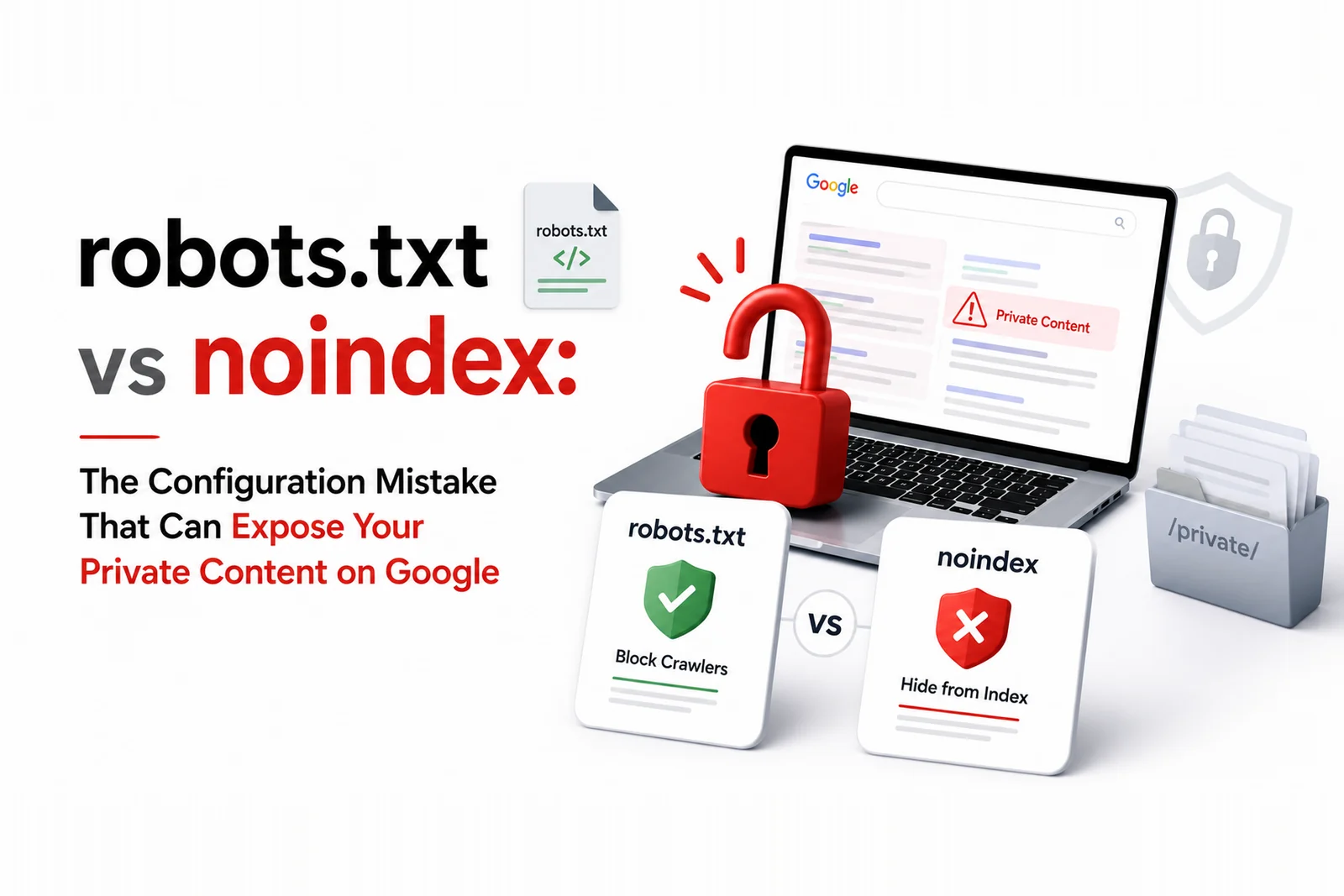
A significant technical SEO mistake was exposed publicly this week when private AI chat conversations appeared in Google Search results. The root cause was a conflict between robots.txt and noindex directives — one of the most misunderstood configuration combinations in web management. This is not a rare edge case; it is a mistake that appears on thousands of Indian websites. Here is exactly what goes wrong and how to prevent it.
What Actually Happened
The website in question wanted to prevent Google from indexing certain pages — specifically private AI chat logs that had been inadvertently made publicly accessible. They added a noindex meta tag to those pages, which is the correct technical instruction to tell Google not to include those pages in search results. They also added those pages to their robots.txt file to prevent Google from crawling them. The critical error: when robots.txt blocks a page, Googlebot cannot read the page's HTML content — including the noindex tag. The noindex instruction is invisible to Google because the crawler was prevented from reaching it. Google then indexed the pages based on external signals like other sites linking to them, without ever reading the noindex instruction that was supposed to protect them.
Why This Conflict Is So Commonly Misunderstood
Many developers and marketers intuitively assume that blocking in robots.txt is stronger than a noindex tag — blocking the crawler seems more decisive. In reality, the two directives serve different purposes and must not be combined for pages you want to keep out of search results. Robots.txt controls whether Googlebot visits a URL. Noindex controls whether Google includes a visited URL in its index. If you block the visit, Google cannot read the instruction not to index. It is the same category of misunderstanding behind how Google actually treats hidden and nofollow links: the directive does not mean what most people assume. The correct approach for pages you want excluded from search results is: allow crawling in robots.txt, and use a noindex meta tag or X-Robots-Tag header. For pages you want completely inaccessible, use authentication rather than robots.txt.
How to Audit Your Site for This Mistake Right Now
Pull your robots.txt file and list every URL pattern or directory being blocked. Then check whether any of those blocked URLs also have noindex directives in their HTML. If both exist on the same page, you have the conflict. Use Google Search Console's URL Inspection tool on a sample of blocked URLs to see whether Google has indexed them despite the crawl block — if they appear as indexed, your noindex instructions are not being read. The inverse problem, pages you want indexed that Google is excluding, is diagnosed from the same report. This audit takes less than an hour for most Indian business websites and is worth doing before a private content exposure becomes a reputation issue. A thorough website development and SEO audit should include this check as standard.
The Right Way to Protect Private Content
Three tiers of content protection exist, and each requires a different technical approach. For content you want in Google's index: no robots.txt block, no noindex tag. For content you want Google to crawl but not index: allow in robots.txt, add noindex meta tag. For content that must never be accessible to anyone outside authorised users: password protection or authentication at the server level — robots.txt and noindex are both public-facing instructions that only Google can honour, and they provide no protection against direct URL access by humans or scrapers.
What to Do If Private Content Is Already Indexed
If private or sensitive content is already appearing in Google Search results, act on three fronts simultaneously. First, fix the underlying access control — implement authentication so the content is no longer publicly accessible to any visitor, not just Google. Second, correct the robots.txt and noindex configuration so Googlebot can now read the noindex instruction correctly. Third, use Google Search Console's URL Removal tool to request urgent removal of the specific indexed URLs while the noindex change propagates. Combine this with an online reputation management assessment to understand whether the exposed content has already been copied or cited elsewhere in ways that need further action.
Working With DigiVeritaz on Technical SEO Compliance
DigiVeritaz conducts technical SEO configuration audits for Indian brands covering robots.txt conflicts, noindex implementation, crawl access management and content exposure risks. Book a free technical audit to verify that your site's crawl and index configuration is working as intended — before a mistake becomes a public incident.
Frequently Asked Questions
What is the difference between robots.txt and noindex?
Robots.txt controls whether search engine crawlers visit a URL. Noindex is a directive read during a visit that tells Google not to include the page in search results. They must not be used together on the same page — blocking in robots.txt prevents Google from reading the noindex instruction.
How do I tell if my noindex pages are also blocked in robots.txt?
Check your robots.txt for blocked URL patterns, then verify whether any of those blocked URLs also have noindex tags in their HTML. Use Google Search Console's URL Inspection tool to confirm whether blocked pages appear as indexed despite the crawl block.
Is there a safe way to use robots.txt without causing this conflict?
Use robots.txt to block pages you want to keep completely inaccessible to crawlers but do not also need to remove from indexing. For pages where you want Google to visit but not index, allow in robots.txt and rely on noindex alone.
How long does it take for a noindex fix to take effect?
After correctly implementing noindex and removing any conflicting robots.txt block, Google typically de-indexes the page on its next crawl, which can take days to weeks depending on crawl frequency. Use the URL Removal tool in Search Console for urgent removal of sensitive content.
Explore our SEO services or contact us.