
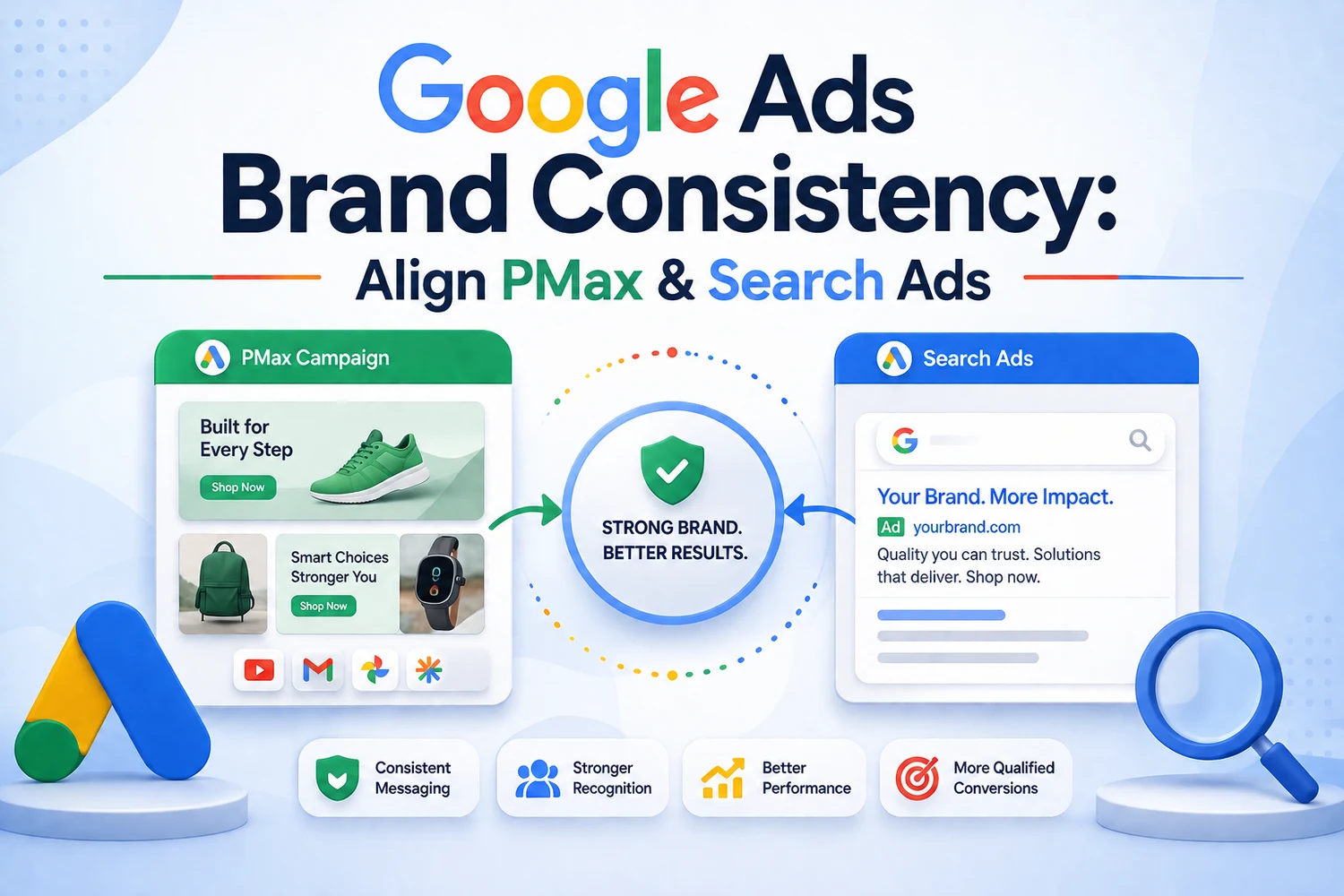
Google Ads has launched a new brand consistency feature that keeps images, headlines and descriptions visually and tonally aligned across ad variations. For brands running Performance Max, Demand Gen and multi-campaign structures, this solves a long-standing headache. Here is what the feature does, how to set it up and what it means for creative production in 2026.
The Problem Brand Consistency Solves
Performance Max and other AI-driven campaign types generate large volumes of ad variations by mixing headlines, descriptions, images and video assets. The performance upside is real — more variations means more auctions won — but the brand-consistency downside is equally real. Ads end up combining assets in ways that clash tonally, produce off-brand visuals or misrepresent the product. Historically, the only defence was tight asset curation and hoping the algorithm behaved. The new brand consistency feature changes that by giving advertisers structured control over which asset combinations Google is allowed to produce.
How the Feature Works
The core mechanic is a brand style configuration attached to your account or specific campaigns. You define approved colour palettes, allowed image styles, tonal ranges for headlines and descriptions, and reference assets that represent your ideal creative. Google's ad-serving systems then constrain automated combinations to stay within those guardrails. In practice, this means Performance Max no longer combines your premium product image with a discount-heavy headline, and Demand Gen no longer generates lifestyle imagery that clashes with your brand palette. The feature does not eliminate the value of AI-driven combinations; it just prevents the worst outputs.
Setting Up Brand Consistency in Five Steps
Step one, upload your brand style guide assets — logos in multiple formats, colour codes, approved image references and typography samples. Step two, define tonal parameters for headlines — formal versus casual, feature-led versus benefit-led, factual versus emotive. Step three, tag your existing creative assets with metadata that identifies which brand style each belongs to; this lets Google understand your existing library. Step four, enable brand consistency at the campaign level and choose whether to apply it strictly or as a preference. Step five, monitor the resulting ad combinations over the first two weeks and refine your style parameters based on which outputs performed best.
What Changes for Creative Production Teams
The brand consistency feature shifts creative production away from producing hundreds of variations toward producing fewer, better-parameterised assets. A well-defined brand style with 15 core images, 20 headline templates and 10 description patterns will now generate more effective PMax combinations than a library of 200 loosely tagged assets ever did. This is good news for lean marketing teams because it reduces production overhead. It is also good news for agencies because it makes the value of strategic creative work more visible — the parameters that produce great combinations require judgement that automated tools cannot replicate.
Common Mistakes to Avoid
Do not enable brand consistency strictly on day one without validated parameters — you will constrain the algorithm too much and see performance drops. Start with preference mode and tighten over time. Do not skip the tagging step; without metadata on your existing assets, Google cannot understand your library and produces worse results, not better. Do not treat brand style as a static setting; review it quarterly as your visual identity and messaging evolve. And do not apply the same brand style across product categories with genuinely different tones — configure separate profiles for premium and mass-market ranges if your brand spans both. Combining this feature with disciplined branding and design work and a well-structured performance marketing foundation produces the strongest results.
Working With DigiVeritaz
DigiVeritaz configures brand consistency parameters, tags asset libraries and audits creative outputs for Indian brands running Performance Max and other AI-driven campaign types. Our approach combines creative strategy, brand governance and paid media execution to make sure the ads Google serves stay recognisably yours. Book a free brand consistency audit to see how your current PMax campaigns are stacking up and what to fix first.
Frequently Asked Questions
What is the Google Ads brand consistency feature?
It is a new setting that lets advertisers define approved colour palettes, image styles, tonal ranges and reference assets. Google's ad-serving systems then constrain automated ad variations to stay within those brand guardrails.
Does it hurt campaign performance?
When configured well, no. Overly strict settings on day one can reduce reach, so start with preference mode and tighten parameters over time based on which asset combinations perform best.
Do I still need a designer with this feature?
Yes. The feature makes existing creative work more impactful by preventing off-brand outputs, but it does not replace the need for well-designed base assets, thoughtful headlines and quality product imagery.
How often should I update the brand style?
Quarterly is a reasonable cadence, or whenever your visual identity or messaging positioning meaningfully shifts. Static settings become stale as your brand evolves and your competitive positioning changes.
Explore our Google Ads services or contact us.